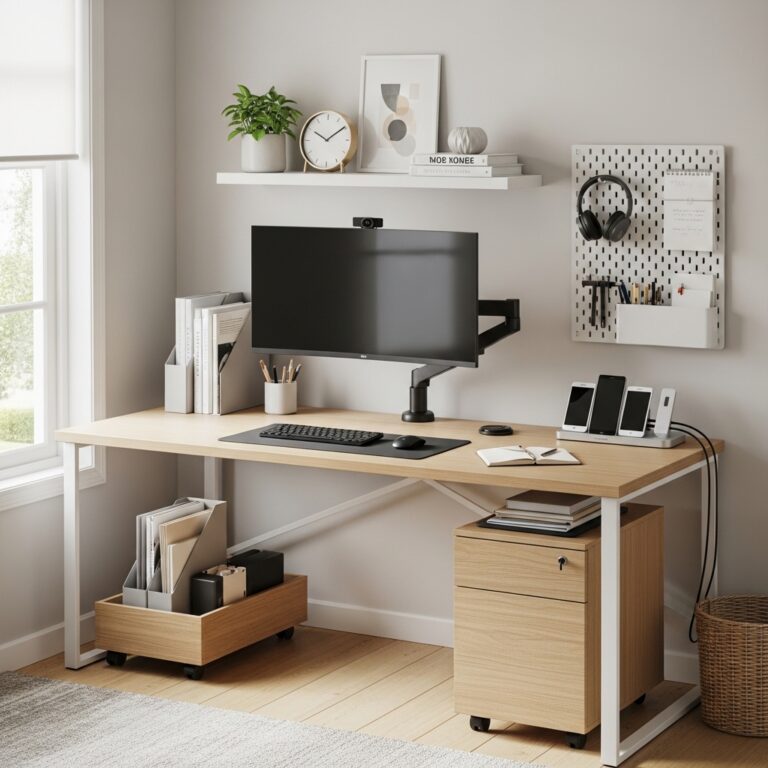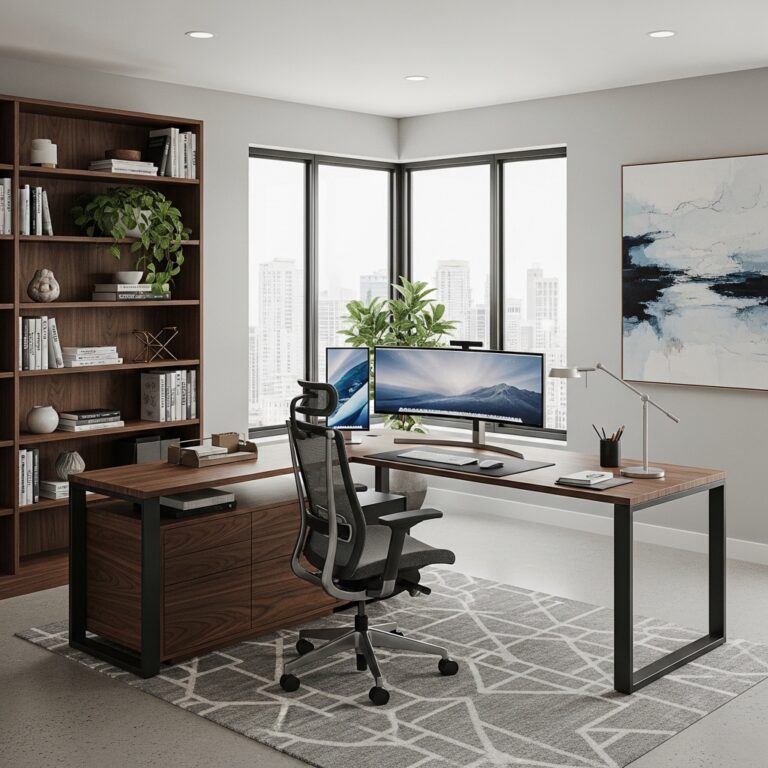
20 Home Office Ideas That Boost Productivity, Creativity & Cozy Comfort for Your Best Work Yet
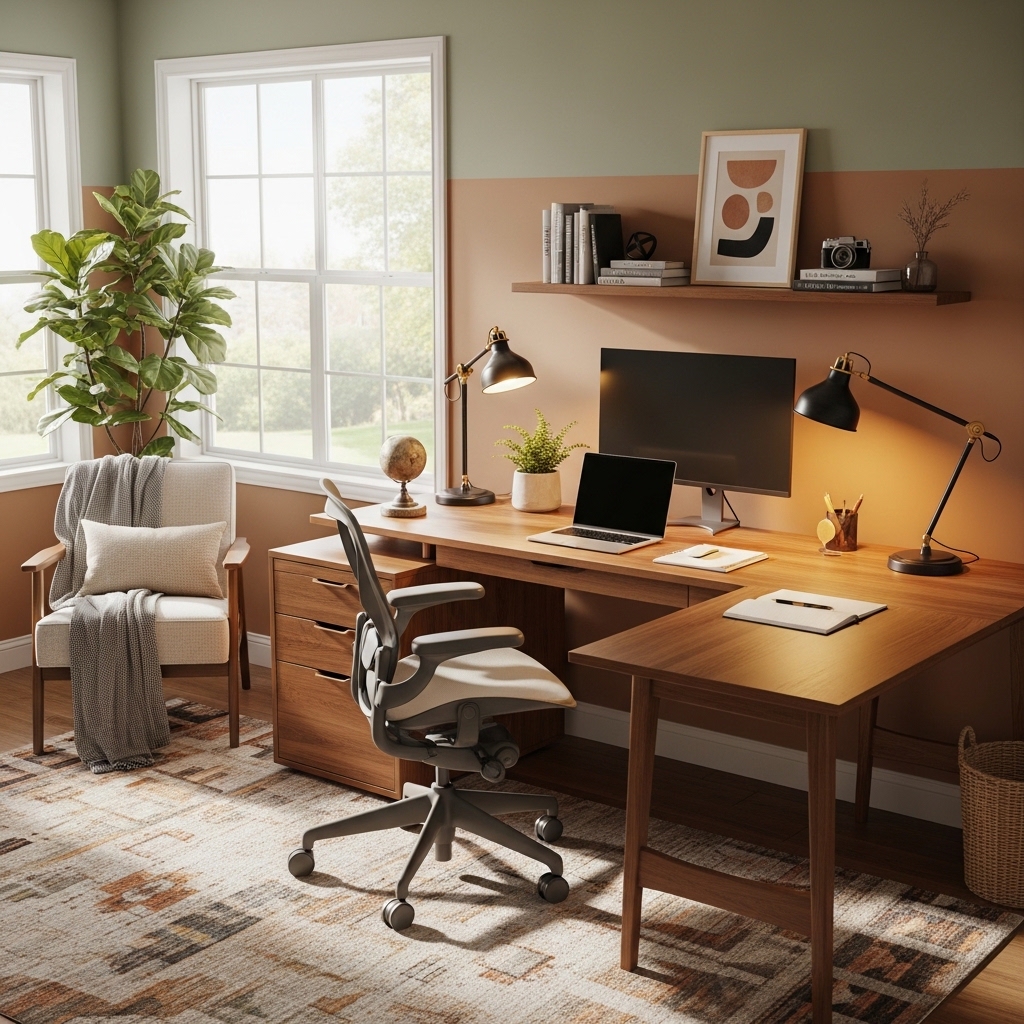
Your home office should be a place where focus comes easily and distractions disappear. Too many people work from a kitchen table with a sore back and poor lighting.
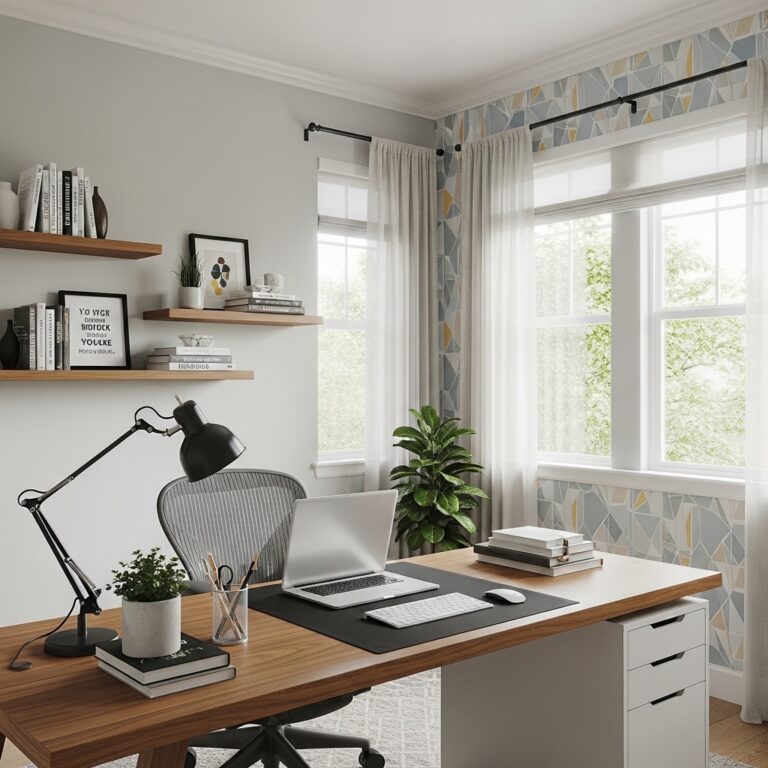
You deserve a workspace that supports your body, your mind, and your daily workflow. The right home office design reduces stress, increases output, and makes Mondays feel less dreadful.
You do not need a separate room or a huge budget to create an effective workspace. This guide delivers 20 home office ideas that boost productivity, creativity, and comfort. From lighting solutions to cable management, each idea works for any space or budget.
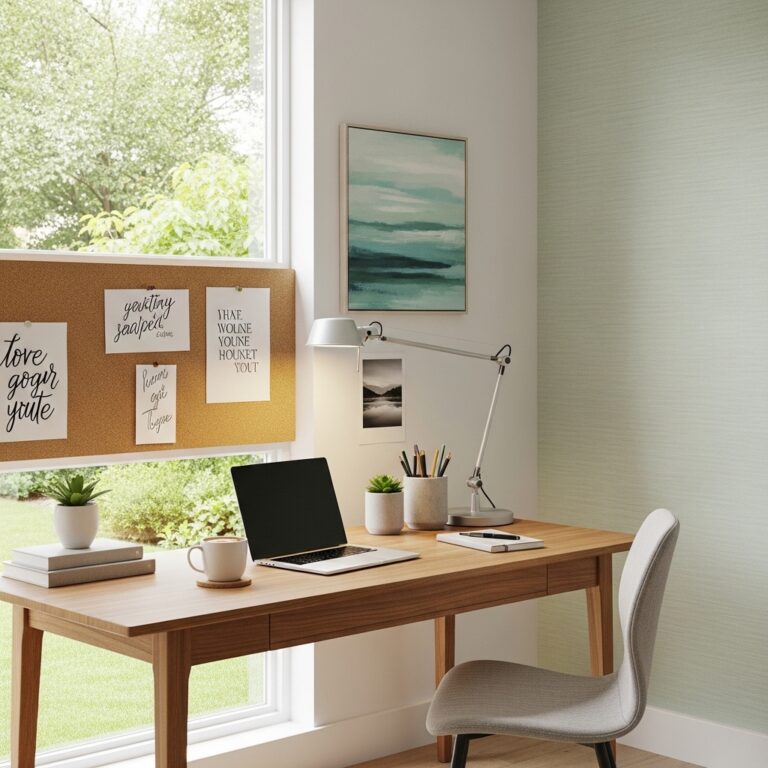
1. Position Your Desk Facing a Window or Bright Wall
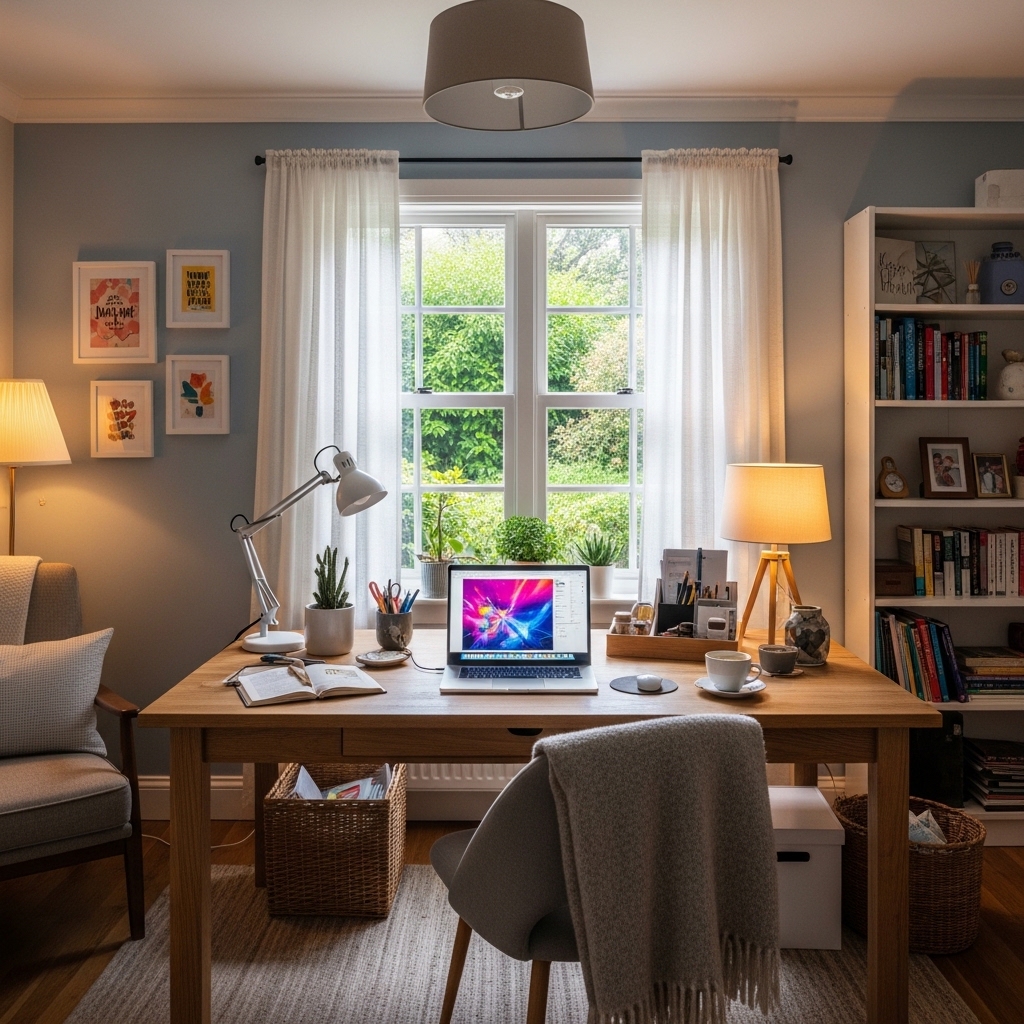
Use this idea when your current desk position leaves you feeling drained by 2 PM every day.
Place your desk so you face a window or a brightly lit wall. Natural light reduces eye strain.
Your eyes relax when they can look into the distance. A wall behind your monitor traps your focus too close.
Facing a blank wall kills creativity. Facing light and space keeps your energy levels higher throughout the day.
Pro Tip: If you cannot face a window, position your desk at a 90-degree angle to it. Side light reduces glare on your screen.
Mistake to Avoid: Do not place your desk with a window directly behind your monitor. Backlight creates harsh glare that strains your eyes.
2. Invest in an Ergonomic Chair with Lumbar Support
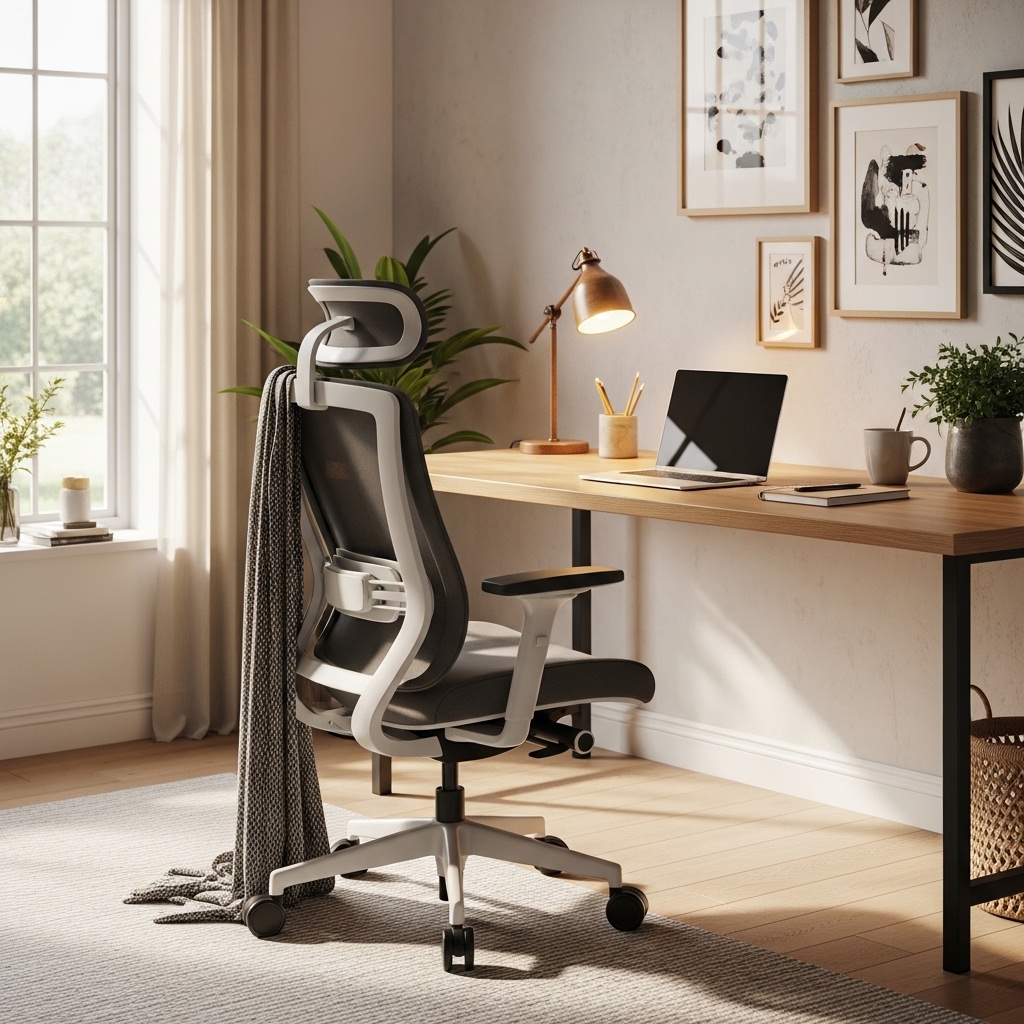
Choose this approach when your back aches after every single workday at your desk.
Buy a chair with adjustable seat height, armrests, and built-in lumbar support for your lower back.
Your spine needs proper support to stay healthy. A good chair pays for itself in pain-free workdays.
Kitchen chairs and cheap office chairs destroy your posture. Your back deserves better than a dining chair.
Pro Tip: Test chairs in person before buying. What feels comfortable for five minutes may hurt after five hours.
Mistake to Avoid: Do not buy a “gaming chair” thinking it is ergonomic. Gaming chairs prioritize style over actual back support.
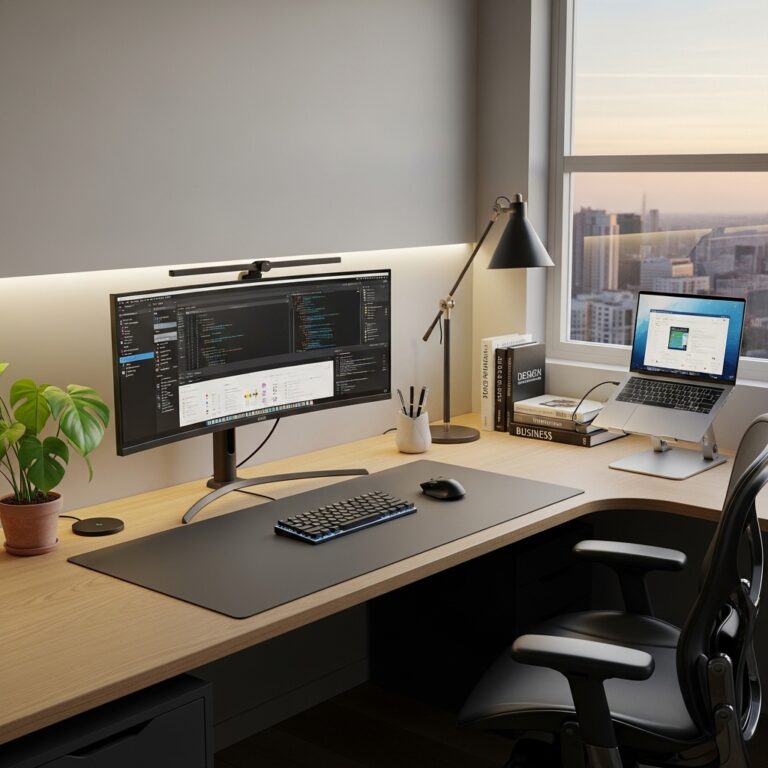
3. Install Monitor Arms to Free Up Desk Space
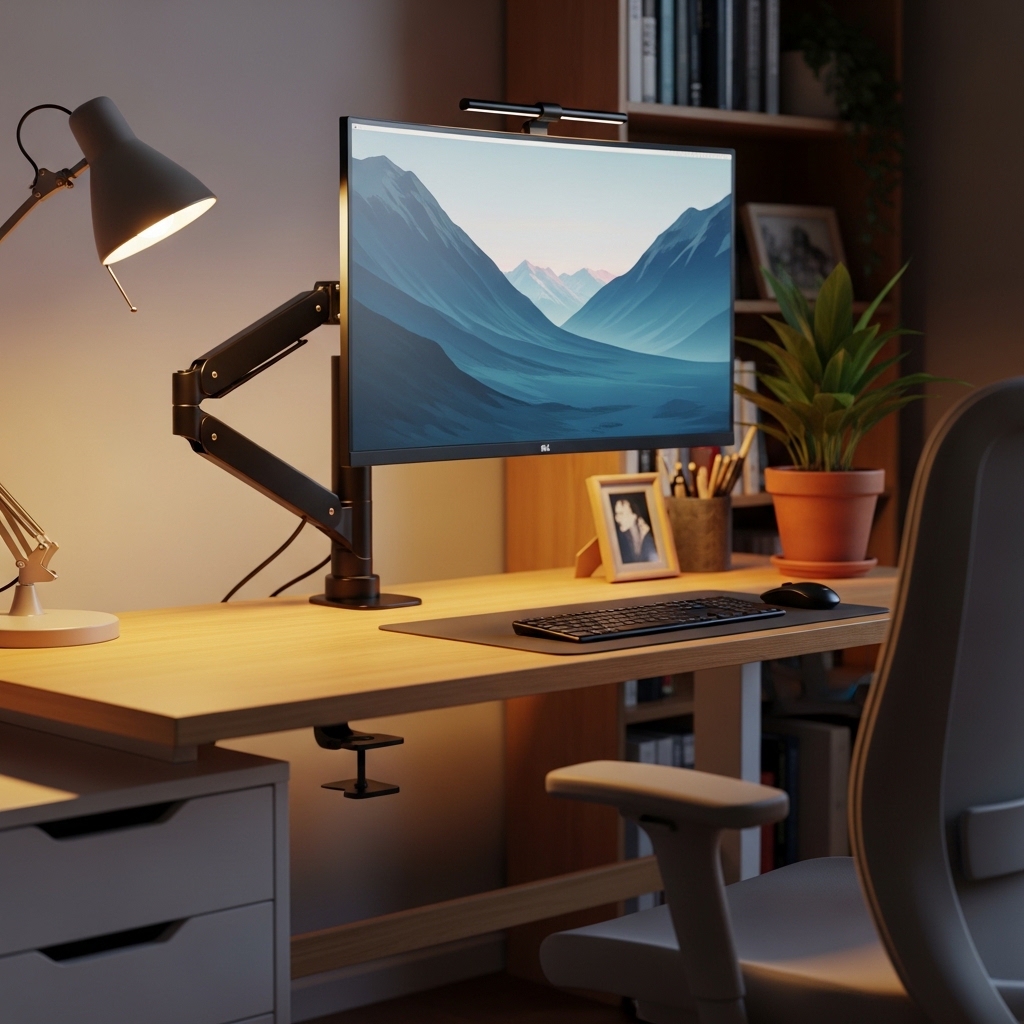
Apply this method when your desk is cluttered with monitor stands and you have no room to work.
Mount your monitors on adjustable arms that clamp to the back of your desk.
The arms lift your screens off the desk surface. You reclaim valuable space for papers, notebooks, and coffee.
Monitor stands consume 12 inches of desk depth. Arms use zero desk space and adjust to your perfect viewing height.
Pro Tip: Choose arms with built-in cable management channels. Your cables run inside the arm instead of dangling everywhere.
Mistake to Avoid: Do not buy arms that cannot support your monitor’s weight. Check the weight rating before purchasing.
4. Use a Sit-Stand Desk for Movement Throughout the Day
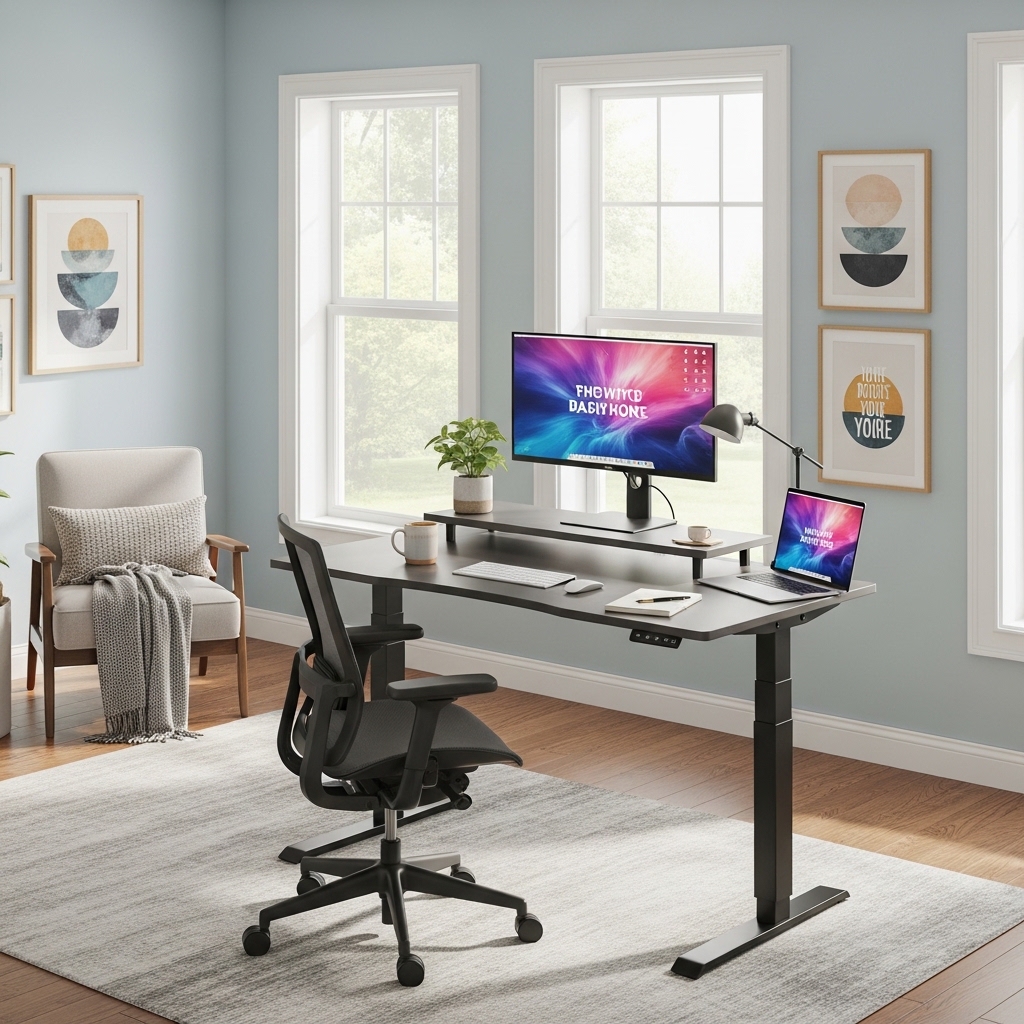
Use this strategy when you feel stiff and sluggish after sitting for hours at your desk.
Buy a sit-stand desk with an electric or manual crank mechanism. Alternate between sitting and standing every hour.
Your body needs movement. Standing for 15 minutes each hour improves circulation, focus, and energy levels.
Sitting all day shortens your lifespan. A sit-stand desk is an investment in your long-term health.
Pro Tip: Start with 15 minutes of standing per hour. Work up to 30 minutes as your body adjusts to being on your feet.
Mistake to Avoid: Do not stand on a hard floor without an anti-fatigue mat. Your feet and knees will ache within days.
5. Layer Your Lighting with Task, Ambient, and Natural Light
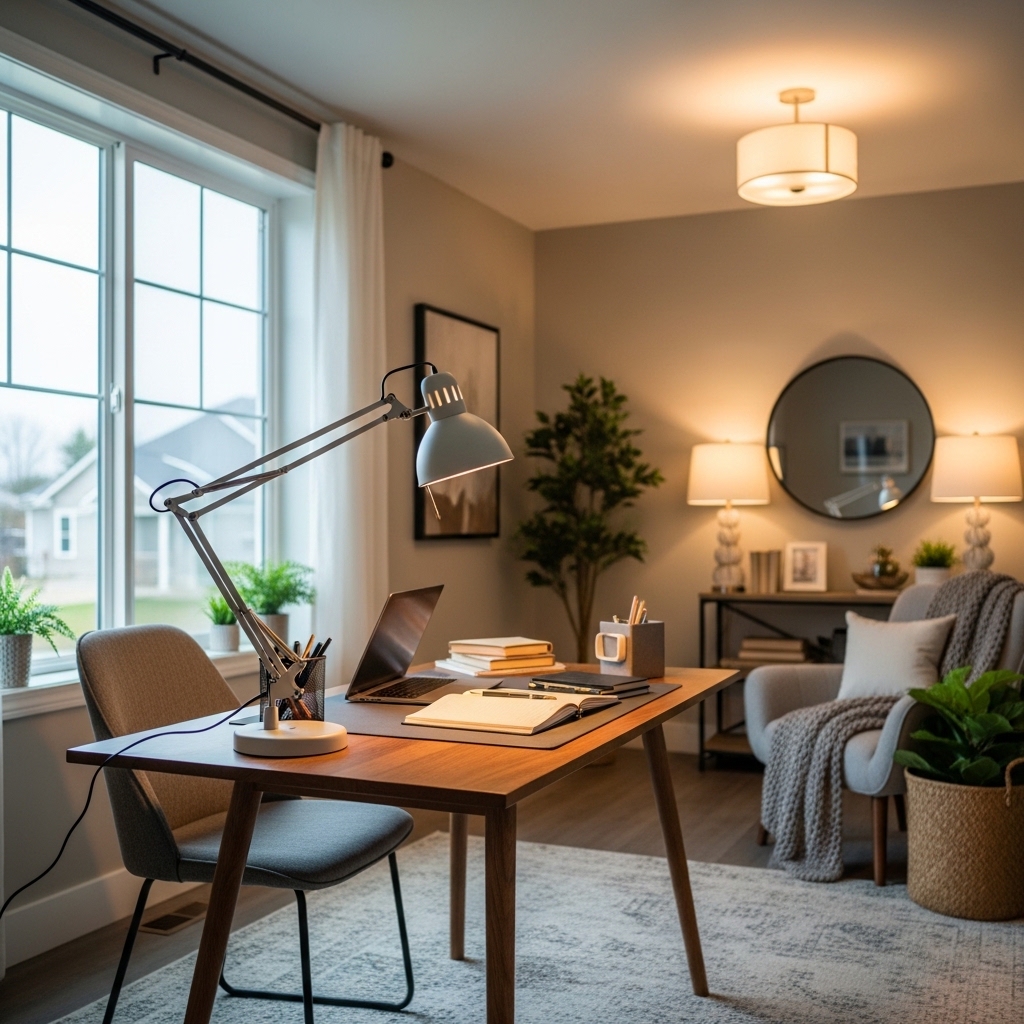
Choose this approach when your current lighting leaves you squinting or battling headaches.
Combine natural window light, overhead ambient light, and a task lamp on your desk.
Different tasks need different light. Reading paper needs bright light. Screen work needs softer, indirect light.
Single light sources create harsh shadows and eye strain. Layered lighting gives you options for every task.
Pro Tip: Use a task lamp with adjustable color temperature. Warm light for evenings. Cool white light for focused afternoon work.
Mistake to Avoid: Do not position your task lamp so it reflects off your screen. Angle the light onto your keyboard, not your monitor.
6. Paint Your Walls a Calming, Focused Color
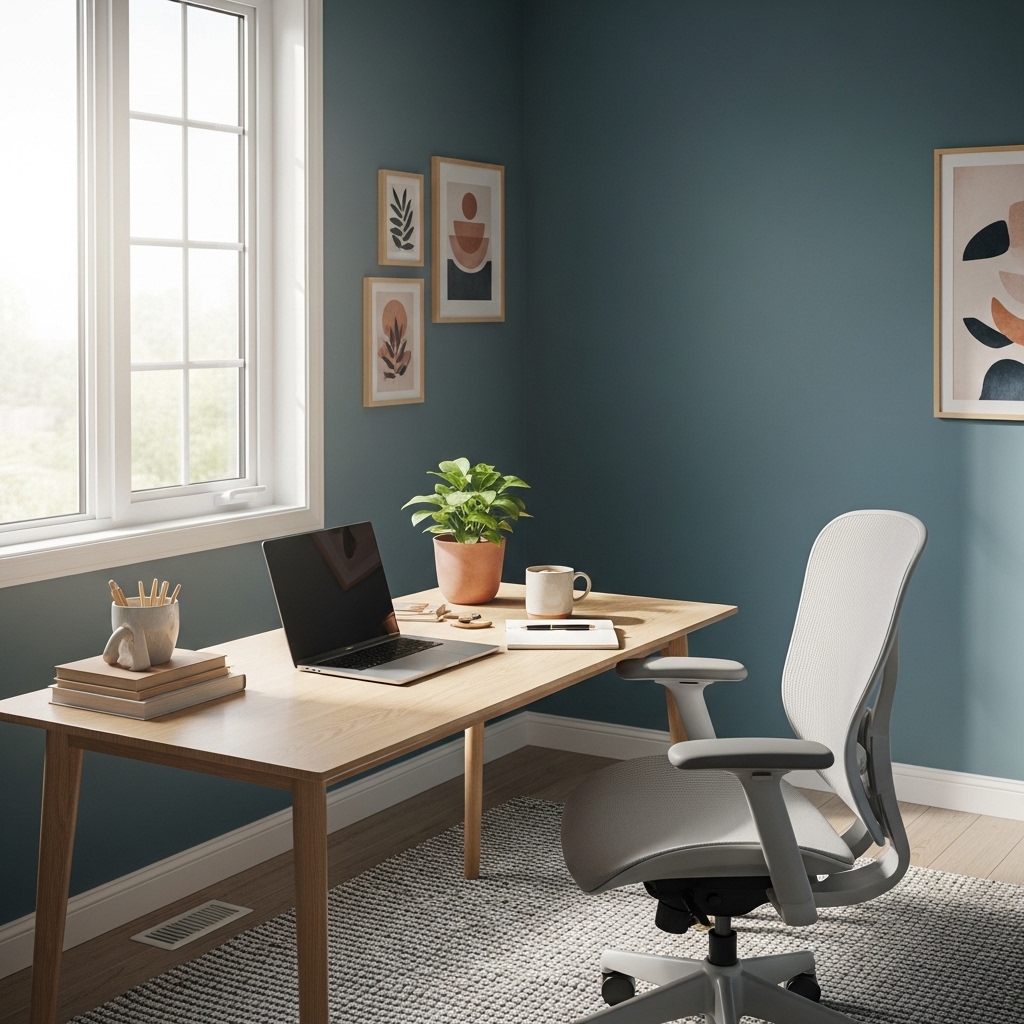
Apply this method when your wall color feels distracting or drains your energy.
Choose paint colors like soft blue, sage green, warm gray, or creamy white for your office walls.
Blue promotes focus and productivity. Green reduces eye strain. Gray and white create calm neutrality.
Bright red and yellow overstimulate. Dark colors feel heavy and draining. Calm colors support deep work.
Pro Tip: Paint the wall behind your monitor an accent color. The contrast reduces eye strain by creating depth behind your screen.
Mistake to Avoid: Do not paint your home office pure white. White walls feel clinical and show every fingerprint and scuff mark.
7. Create a Cable Management System Under Your Desk
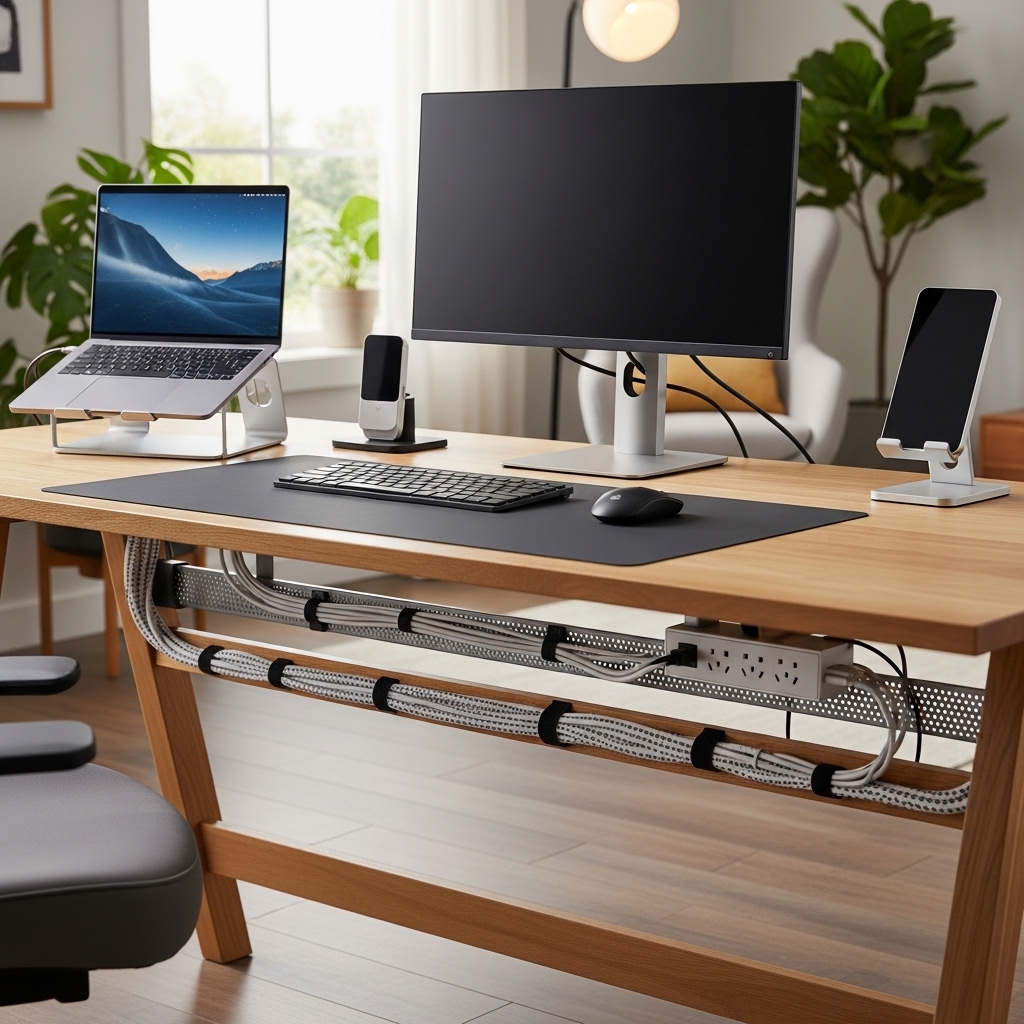
Use this idea when a tangled mess of cords lives under your desk and drives you crazy.
Attach cable trays, zip ties, and adhesive clips under your desk. Route all cords together.
Your feet no longer kick a spaghetti mess of wires. Vacuuming becomes possible again.
Cable chaos looks unprofessional and creates dust traps. Organized cables look clean and reduce fire hazards.
Pro Tip: Label both ends of every cable with a small sticker. You know exactly which cord belongs to which device.
Mistake to Avoid: Do not bundle power cords and data cables together. Electrical interference can slow your internet connection.
8. Add Plants to Improve Air Quality and Reduce Stress
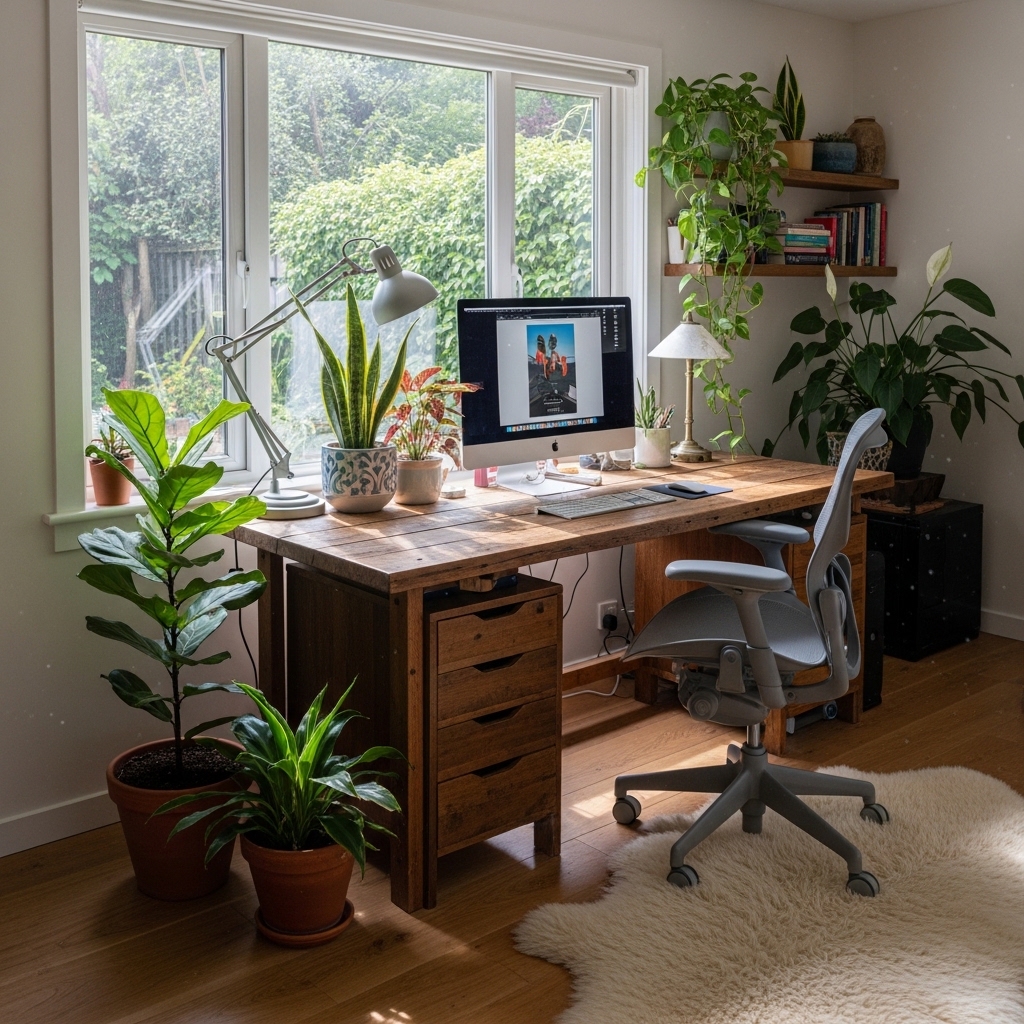
Choose this approach when your home office feels sterile, dry, and lifeless.
Place three to five low-maintenance plants like snake plants, pothos, or ZZ plants around your office.
Plants clean the air, add humidity, and reduce stress levels. Greenery boosts creativity and mood.
A room without plants feels dead. Plants bring life, color, and fresh oxygen to your workspace.
Pro Tip: Choose plants that thrive on neglect. Snake plants and ZZ plants survive weeks without water.
Mistake to Avoid: Do not place plants directly under air vents. Constant hot or cold air kills most houseplants within months.
9. Use a Large Desk Pad to Define Your Workspace
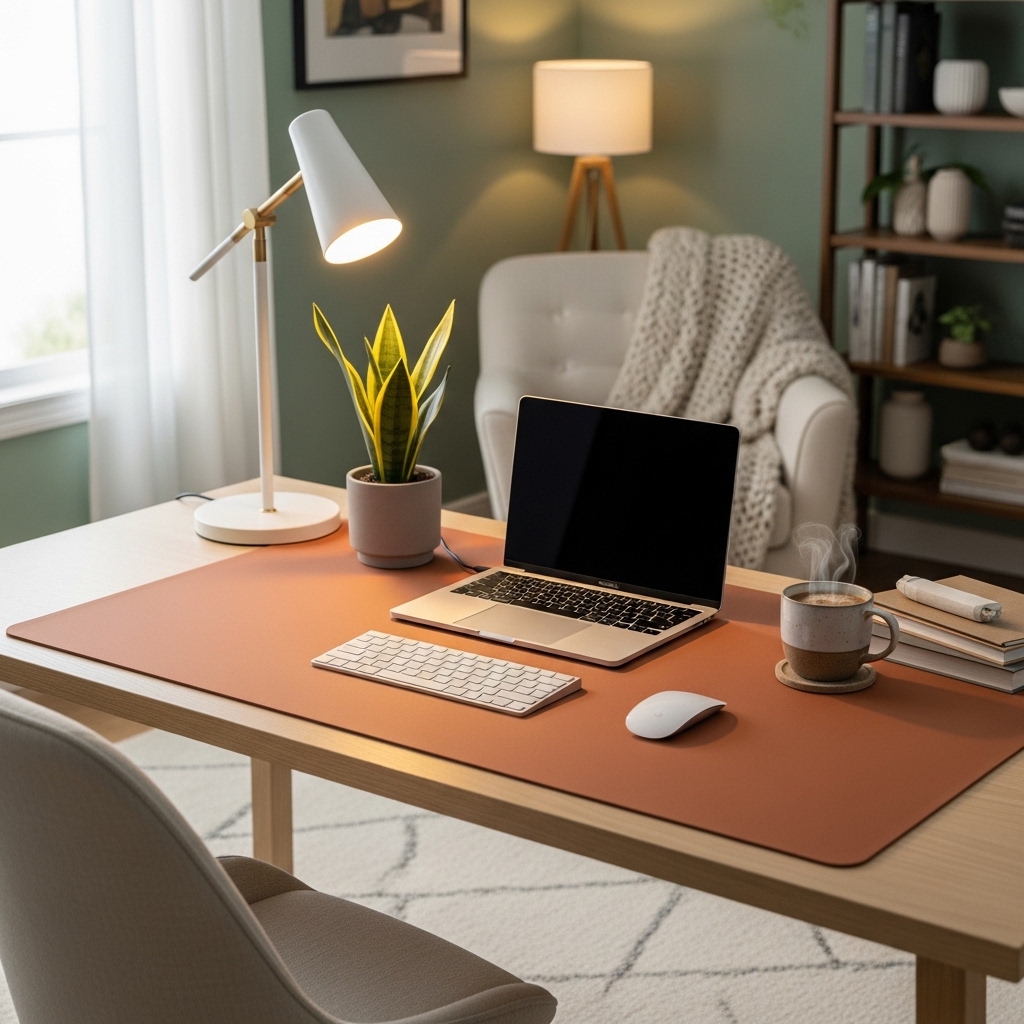
Apply this method when your desk surface feels like a cluttered free-for-all.
Place a large leather or felt desk pad in the center of your desk. Keep your keyboard, mouse, and notebook on it.
The pad visually defines your active work zone. Items off the pad are waiting to be filed or put away.
An open desk without zones feels chaotic. A desk pad creates boundaries that your brain understands as “work area.”
Pro Tip: Choose a pad in a contrasting color to your desk. Dark pad on a light desk creates clear visual separation.
Mistake to Avoid: Do not buy a pad that is too small. Your keyboard and mouse should fit entirely on the pad with room to spare.
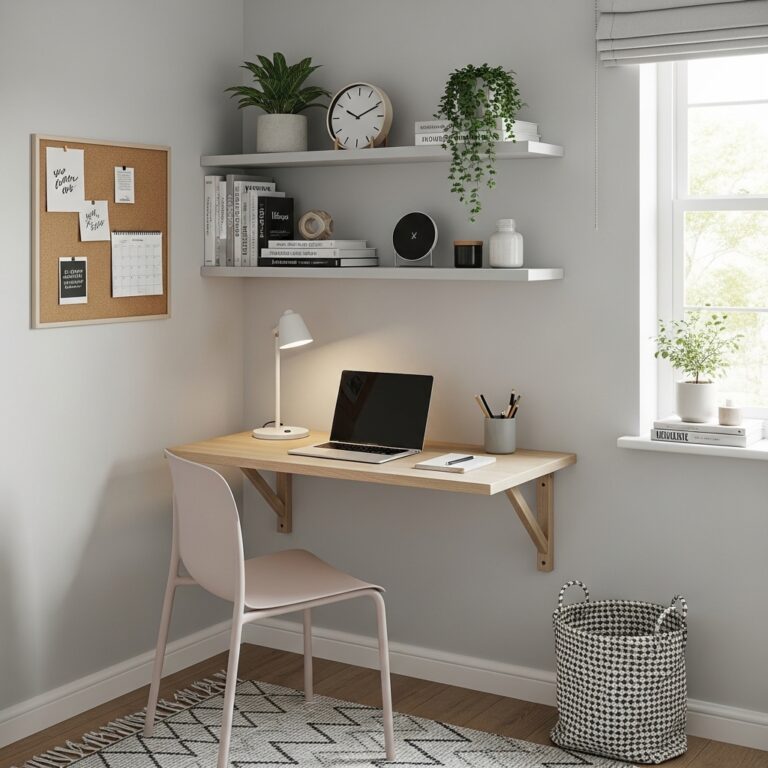
10. Install Floating Shelves Above Your Desk
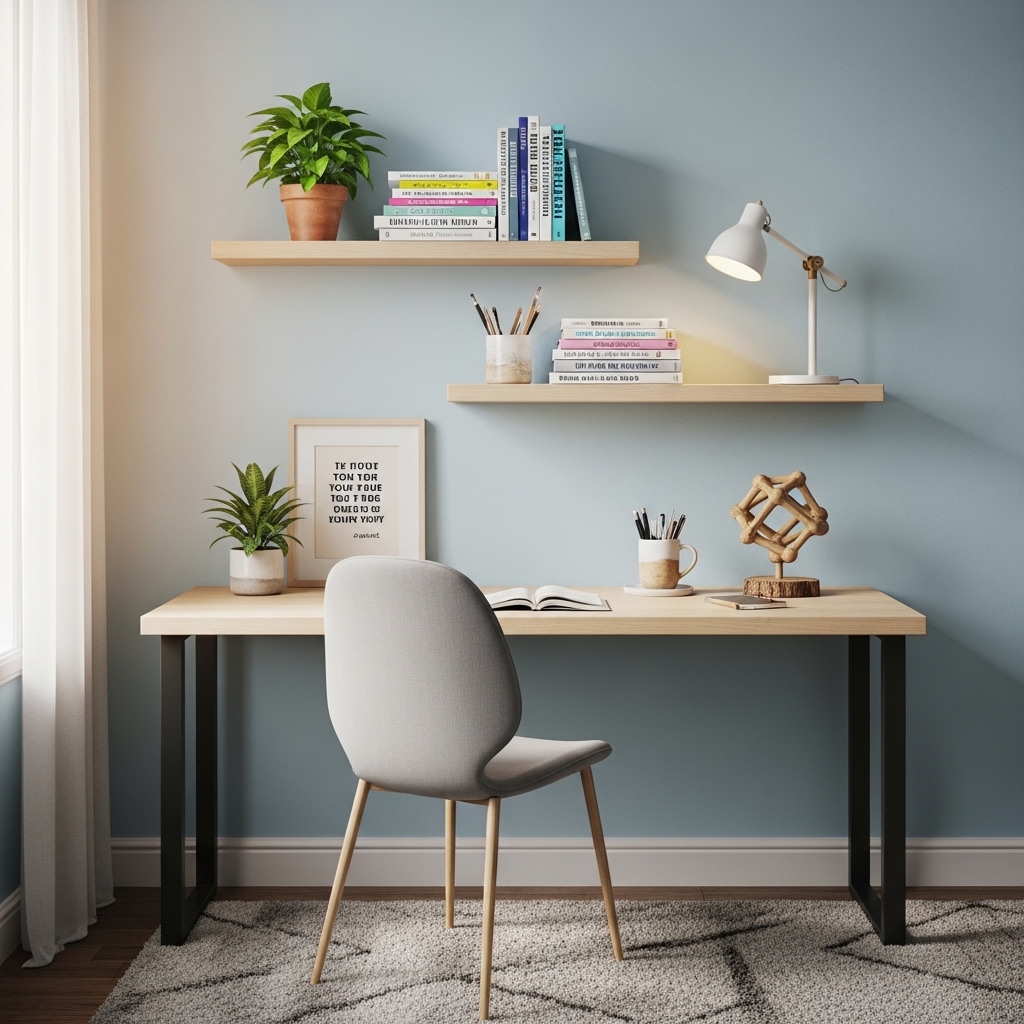
Use this strategy when your desk is cluttered with books, files, and decor that belong on walls.
Mount two to three floating shelves above your monitor at standing eye level.
Store reference books, filing boxes, and personal photos on the shelves. Your desk stays clear for active work.
Desk clutter distracts your brain even when you are not looking at it. Vertical storage removes that distraction.
Pro Tip: Install shelves at staggered heights. A zigzag pattern creates visual interest and accommodates different item heights.
Mistake to Avoid: Do not overload shelves above your head. Heavy items falling could cause serious injury. Store light items only on high shelves.
11. Use a Whiteboard or Glass Board for Ideas
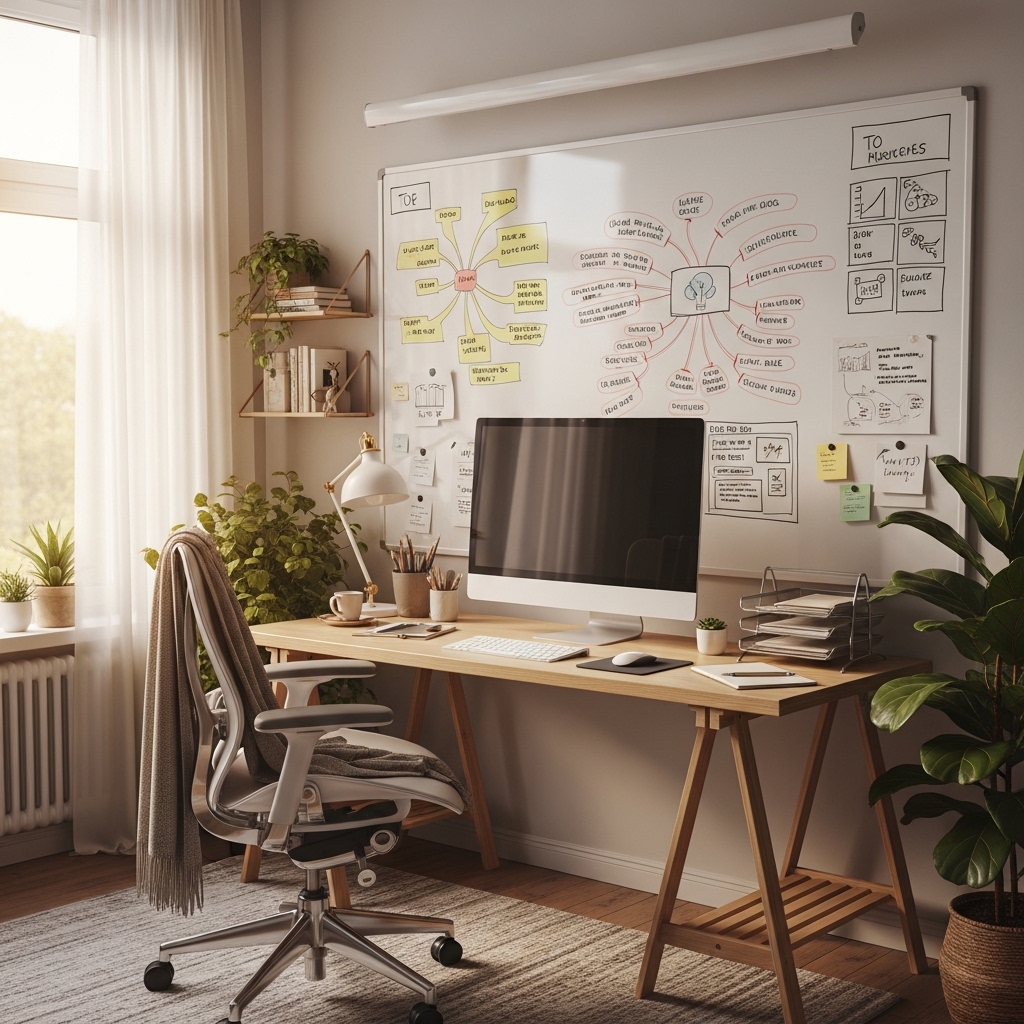
Choose this approach when you forget ideas because you have no place to capture them quickly.
Mount a large whiteboard or glass board on the wall within arm’s reach of your desk.
Write to-do lists, sketch ideas, and map out projects where you see them all day.
Digital notes get buried in apps. A physical board keeps your priorities visible and top of mind.
Pro Tip: Use different colored markers for different categories. Red for urgent. Blue for ideas. Green for long-term projects.
Mistake to Avoid: Do not mount your board where video call participants can see it. Confidential information may appear behind you on camera.
12. Add a Small Area Rug for Comfort and Sound Absorption
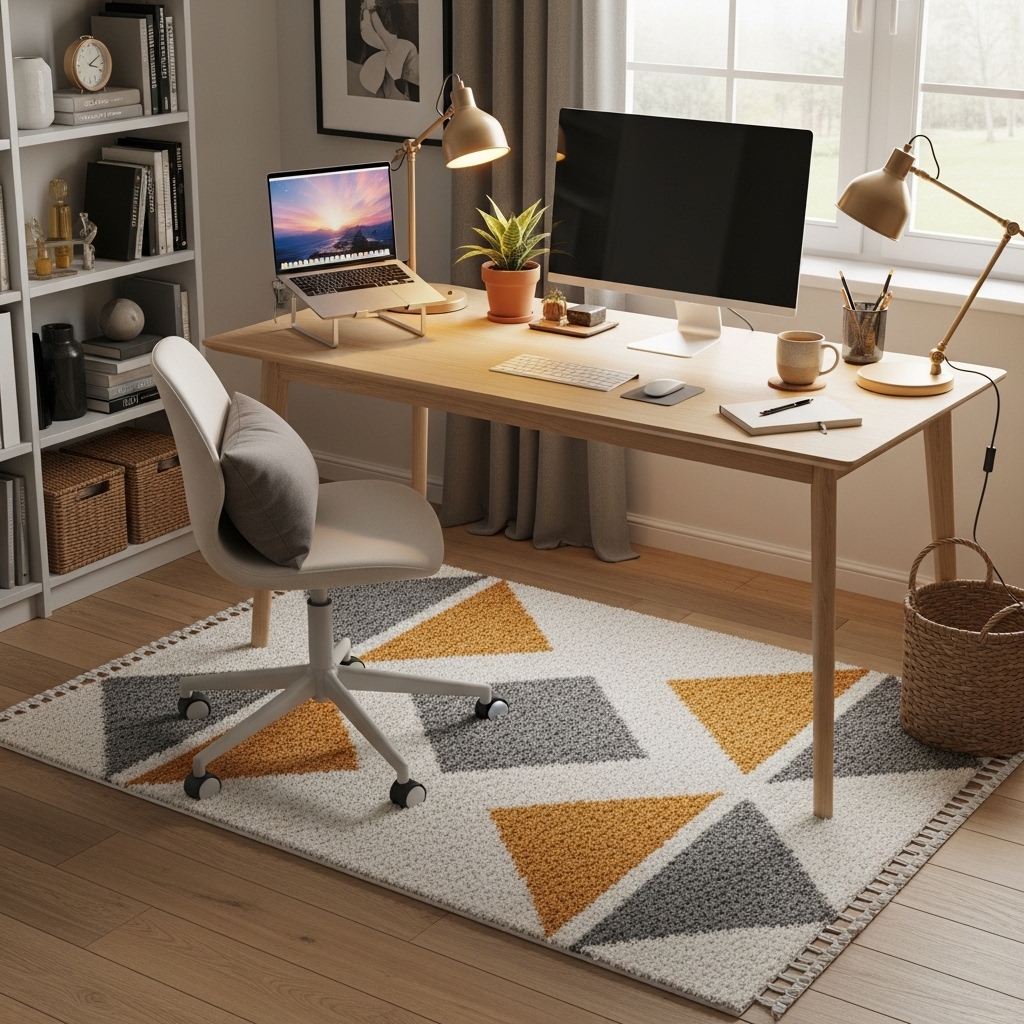
Apply this method when your office floor is hard and your chair wheels slide too easily.
Place a low-pile area rug under your desk and chair. Choose a rug with a nonslip pad underneath.
The rug absorbs sound, making your office quieter. Your chair rolls smoothly without sliding uncontrollably.
Hard floors echo and feel cold. A rug adds warmth, softness, and sound dampening to your workspace.
Pro Tip: Choose a rug with a pattern. Patterned rugs hide coffee spills and dirt between cleanings better than solid colors.
Mistake to Avoid: Do not use a high-pile shag rug. Your chair wheels will sink into the pile and become impossible to roll.
13. Use a Document Tray for Inbox and Outbox
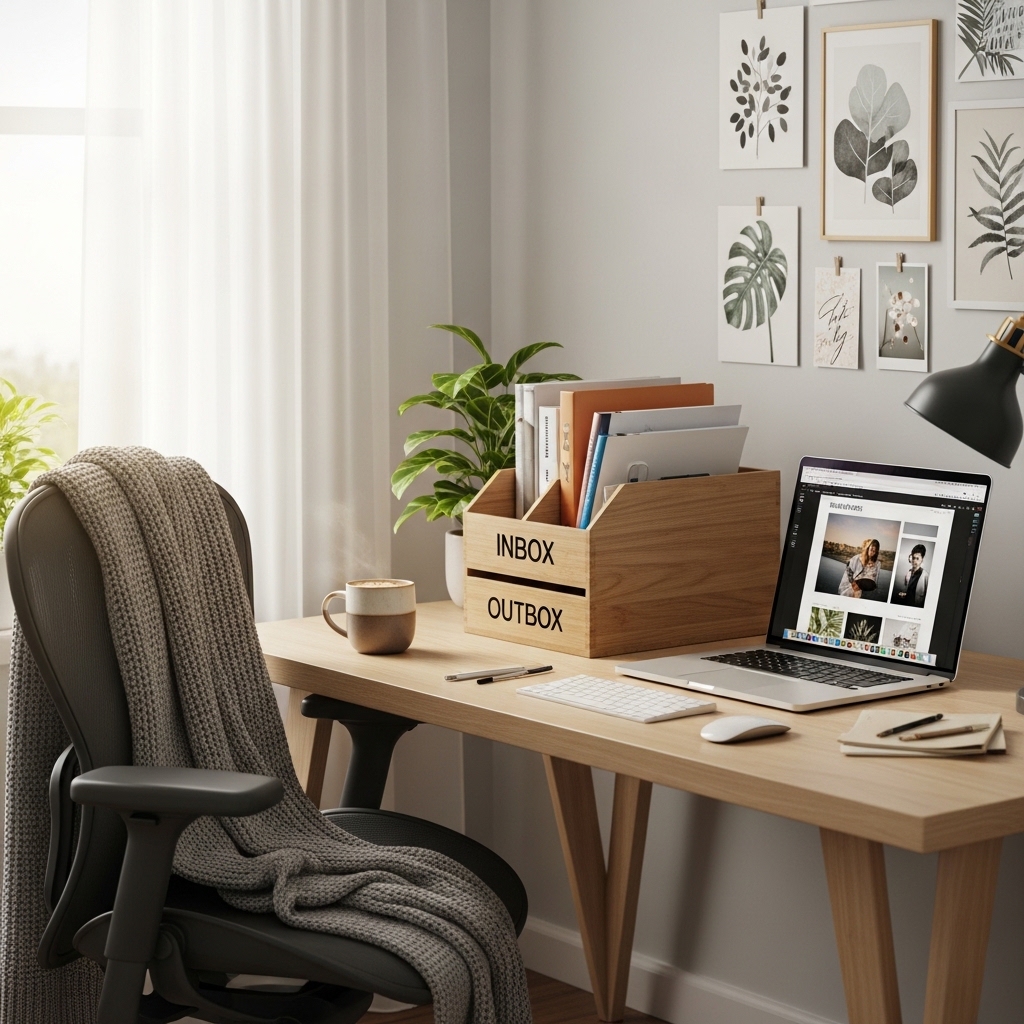
Use this idea when papers pile up on your desk because you have no system for processing them.
Place a two-tier or three-tier document tray on a shelf or corner of your desk.
Top tier for incoming papers. Middle tier for pending action. Bottom tier for completed items ready to file.
Papers scattered everywhere create mental clutter. A tray system gives every piece of paper a home.
Pro Tip: Empty your outbox tier every Friday afternoon. Shred or file completed papers before the weekend.
Mistake to Avoid: Do not use your document tray as permanent storage. Process papers within 48 hours or they become a pile.
14. Install a Motion-Sensor Light in Your Walkway
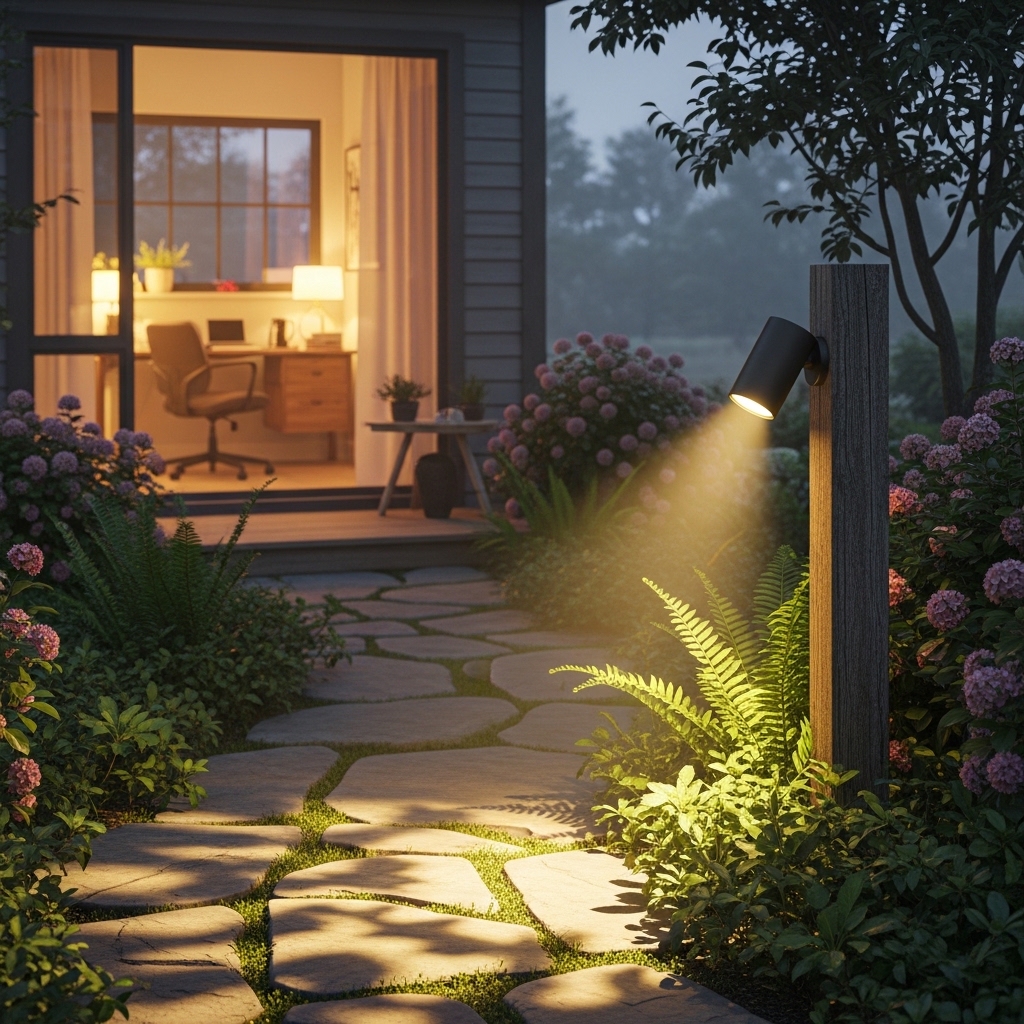
Choose this approach when you enter your dark office and fumble for light switches every morning.
Install a motion-sensor light in the walkway or doorway of your home office.
The light turns on automatically when you enter. It turns off when you leave. No switches to remember.
Fumbling for light switches wastes time and energy. Motion sensors make your office feel smart and welcoming.
Pro Tip: Choose a light with a daylight sensor. The light only turns on when the room is actually dark.
Mistake to Avoid: Do not install the sensor where your monitor’s light triggers it. Position the sensor away from screens.
15. Use Acoustic Panels to Reduce Echo and Noise
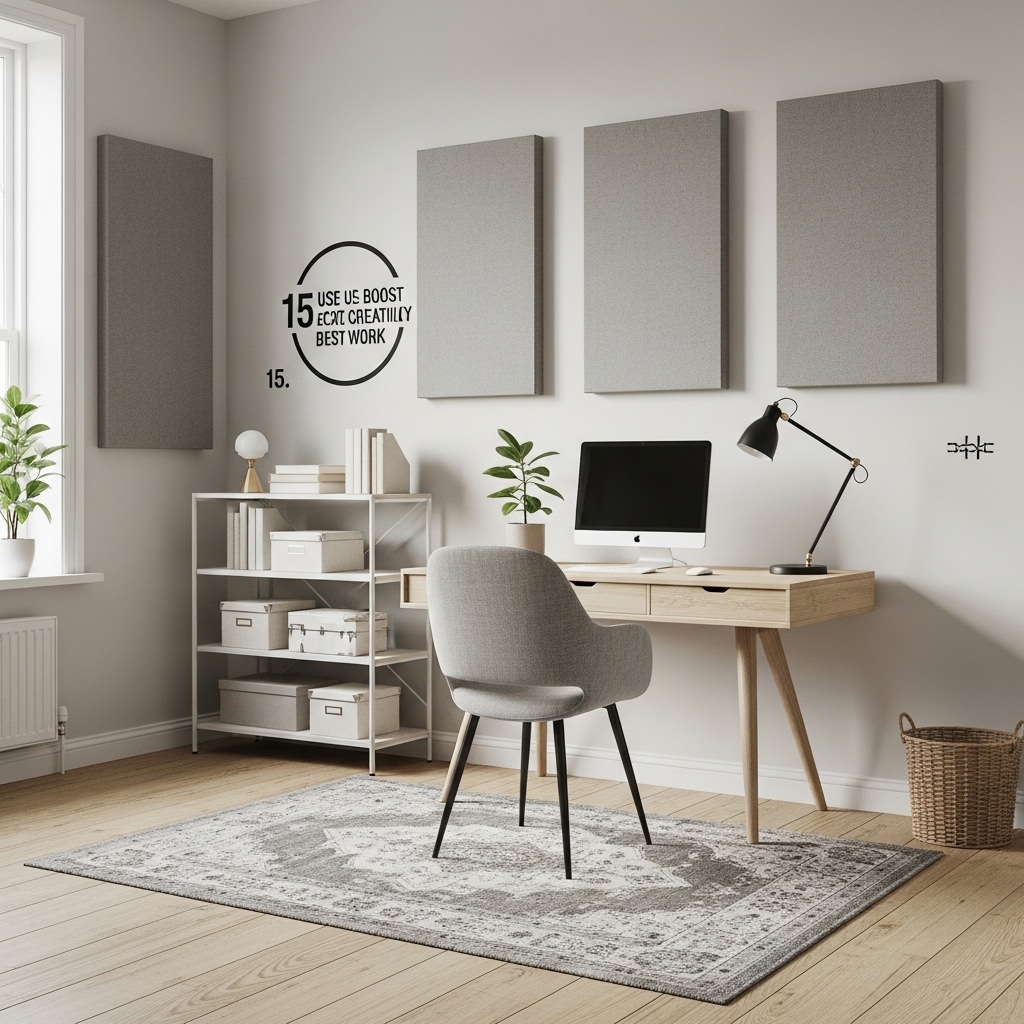
Apply this method when your office echoes and you hear every sound from the rest of your house.
Mount fabric-wrapped acoustic panels on the walls behind your desk and on the ceiling.
The panels absorb sound waves. Your voice sounds clearer on calls. Outside noise becomes muffled.
Bare walls and hard floors create echo chambers. Acoustic panels make any room sound professional.
Pro Tip: Choose acoustic panels in colors that match your walls. Color-matched panels disappear visually while still working acoustically.
Mistake to Avoid: Do not buy foam egg-crate panels. They look terrible, collect dust, and are fire hazards. Buy fabric-wrapped panels instead.
16. Create a Coffee or Tea Station Away from Your Desk
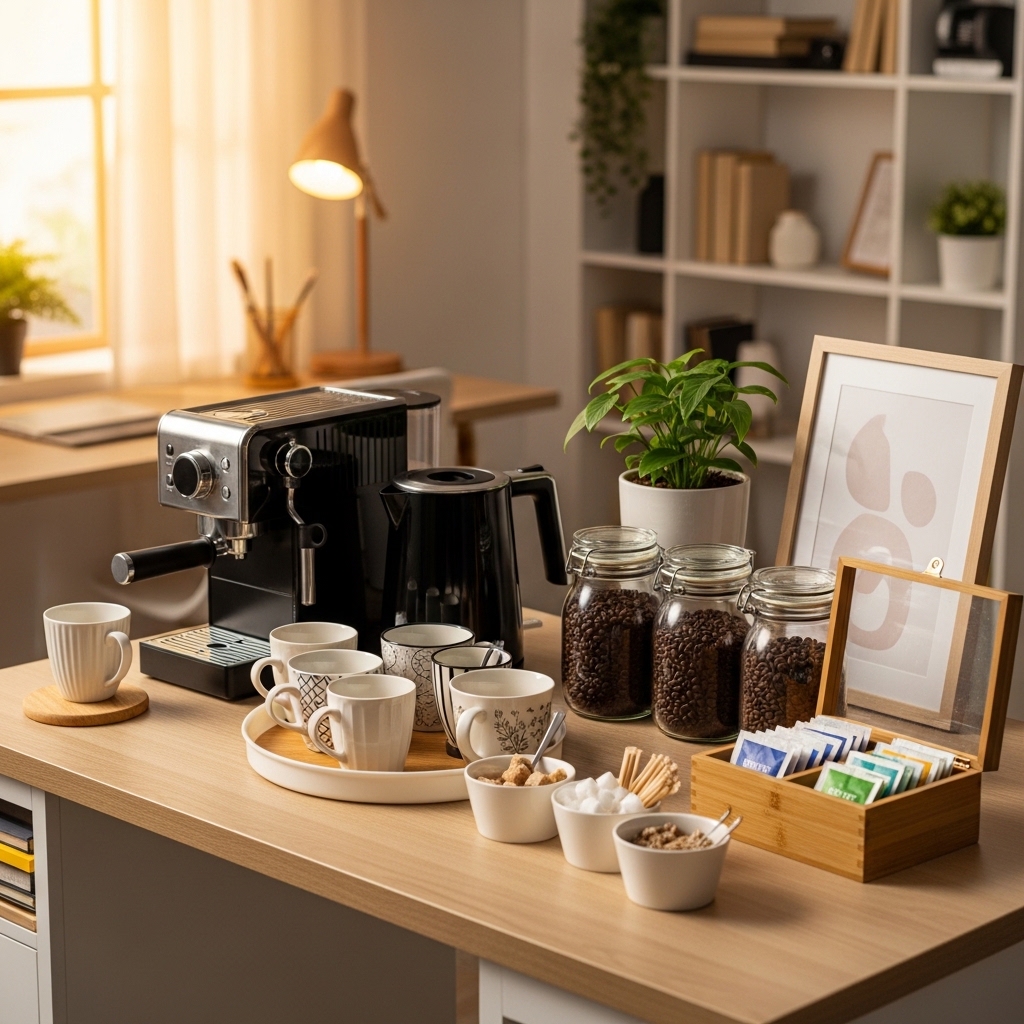
Use this strategy when you constantly get up for drinks and lose your focus each time.
Set up a small coffee maker, electric kettle, or water dispenser on a shelf away from your desk.
You get your drink without walking to the kitchen. But the station is far enough that you stand and stretch.
Drinks on your desk invite spills on your keyboard. A dedicated station keeps liquids away from electronics.
Pro Tip: Keep a small trash can next to your drink station. Used tea bags and coffee pods go in immediately.
Mistake to Avoid: Do not put your drink station too close to your desk. The goal is to stand and walk a few steps for a mental break.
17. Use a Vertical File Organizer for Active Projects
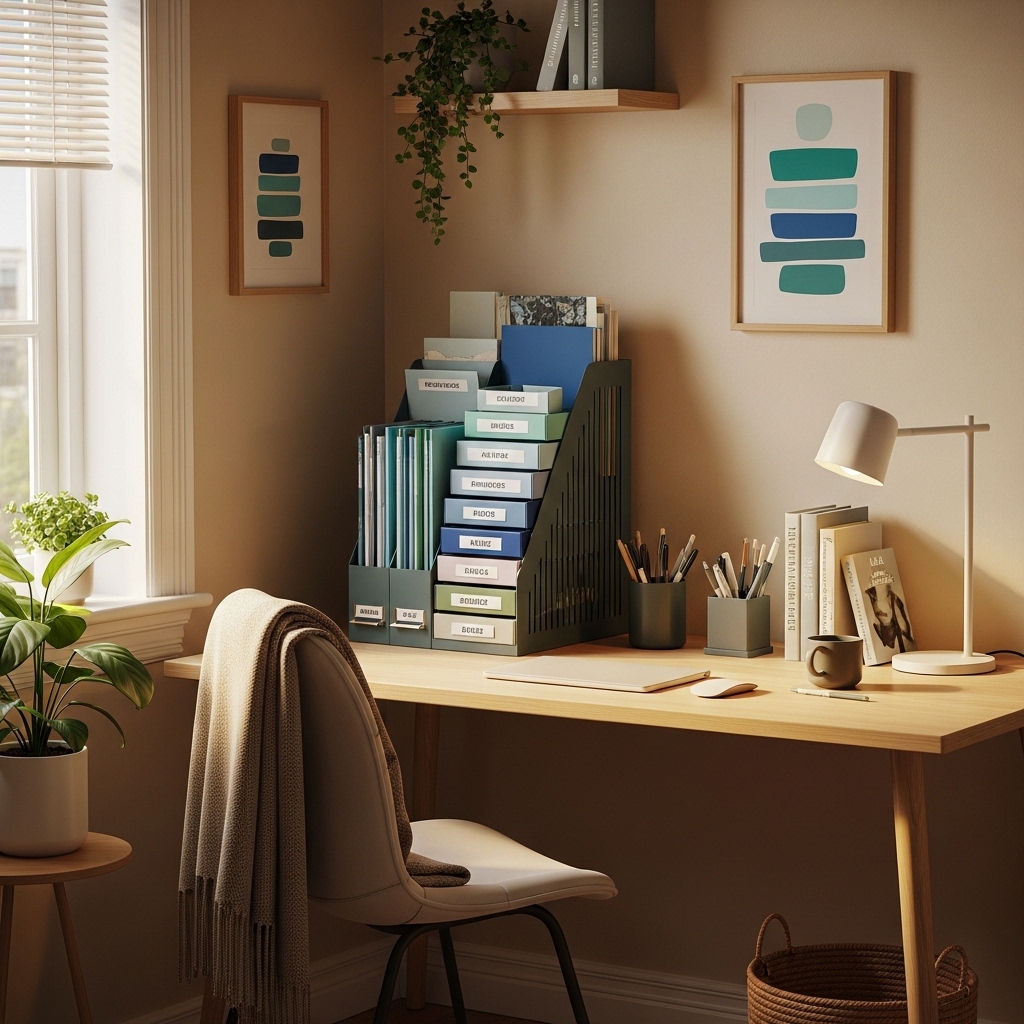
Choose this approach when project papers get lost in drawers because you cannot see them.
Place a vertical file organizer on your desk or a nearby shelf. Create a folder for each active project.
You see every project at a glance. Grab the folder you need and put it back when done.
Drawers hide active projects. A vertical organizer keeps current work visible and accessible.
Pro Tip: Use different colored folders for different clients or project types. Color coding speeds up retrieval.
Mistake to Avoid: Do not keep more than seven active folders. More than seven projects is too many for your brain to track effectively.
18. Install a Pull-Out Keyboard Tray
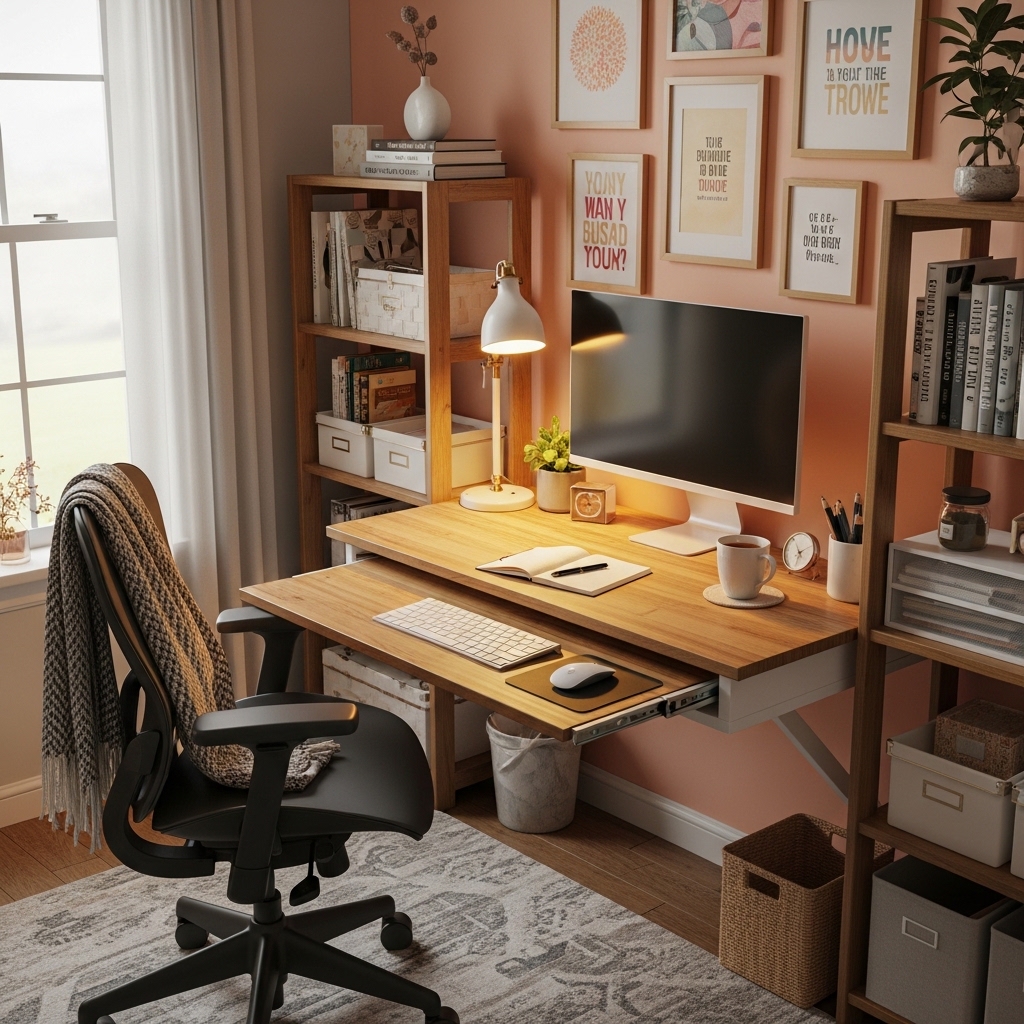
Apply this method when your desk is too high for comfortable typing or your keyboard crowds your work surface.
Mount an under-desk keyboard tray that slides out when you type and slides in when you are done.
Your keyboard and mouse live below your desk. Your main desk surface stays clear for writing and paperwork.
Typing on a desk that is too high strains your wrists. A tray positions your hands at the correct ergonomic height.
Pro Tip: Choose a tray with a built-in wrist rest. The wrist rest supports your hands during breaks between typing.
Mistake to Avoid: Do not buy a tray that is too narrow. Your keyboard and mouse need to fit side by side with room to move.
19. Use a Foot Rest Under Your Desk
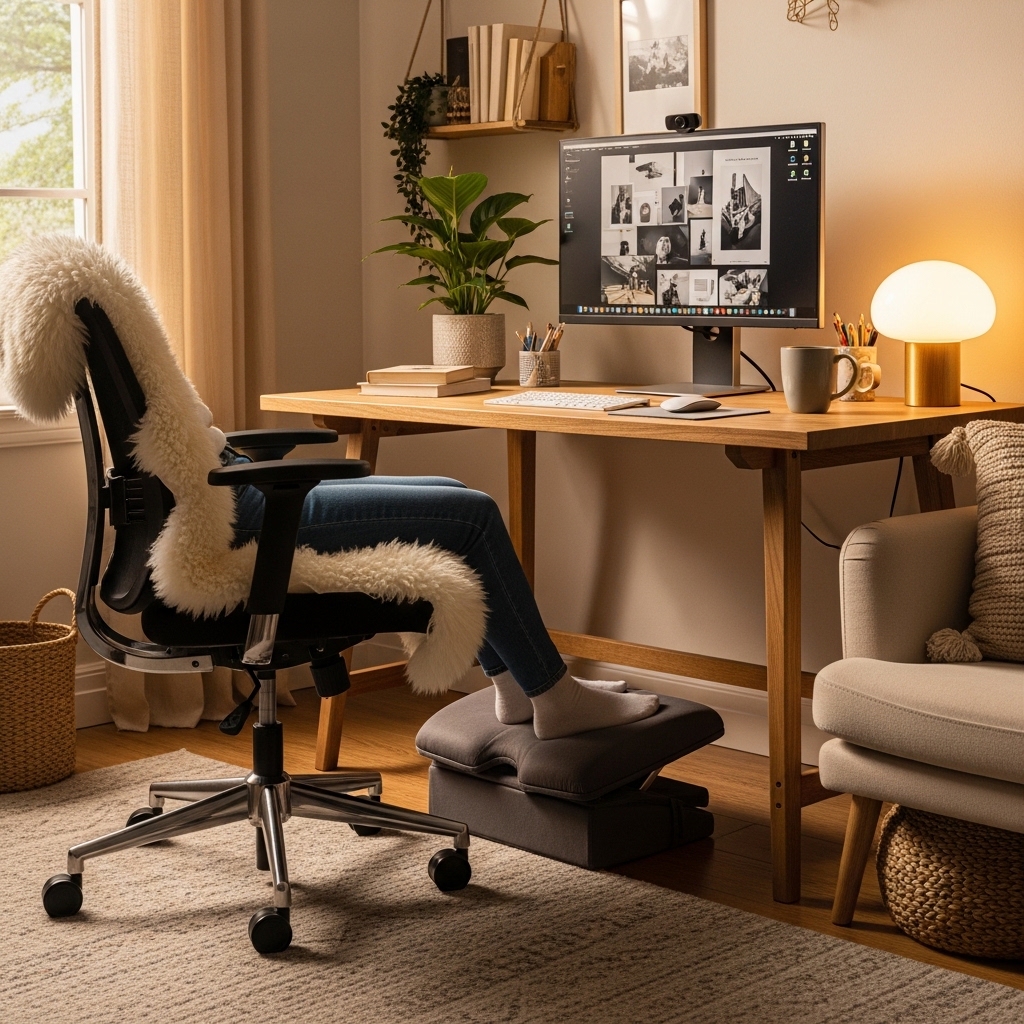
Use this idea when your feet dangle or your chair is too high for your legs to rest flat.
Place an adjustable foot rest under your desk. Your feet rest flat on the foot rest surface.
Your thighs should be parallel to the floor. Your feet should rest flat. A foot rest fixes both issues.
Dangling feet cut off circulation and strain your lower back. A foot rest improves posture instantly.
Pro Tip: Choose a foot rest with an angled surface. Angled foot rests reduce pressure on the backs of your legs.
Mistake to Avoid: Do not use a stack of books as a foot rest. A proper foot rest has a nonslip surface and does not slide around.
20. Create a Visual Break Zone Across the Room
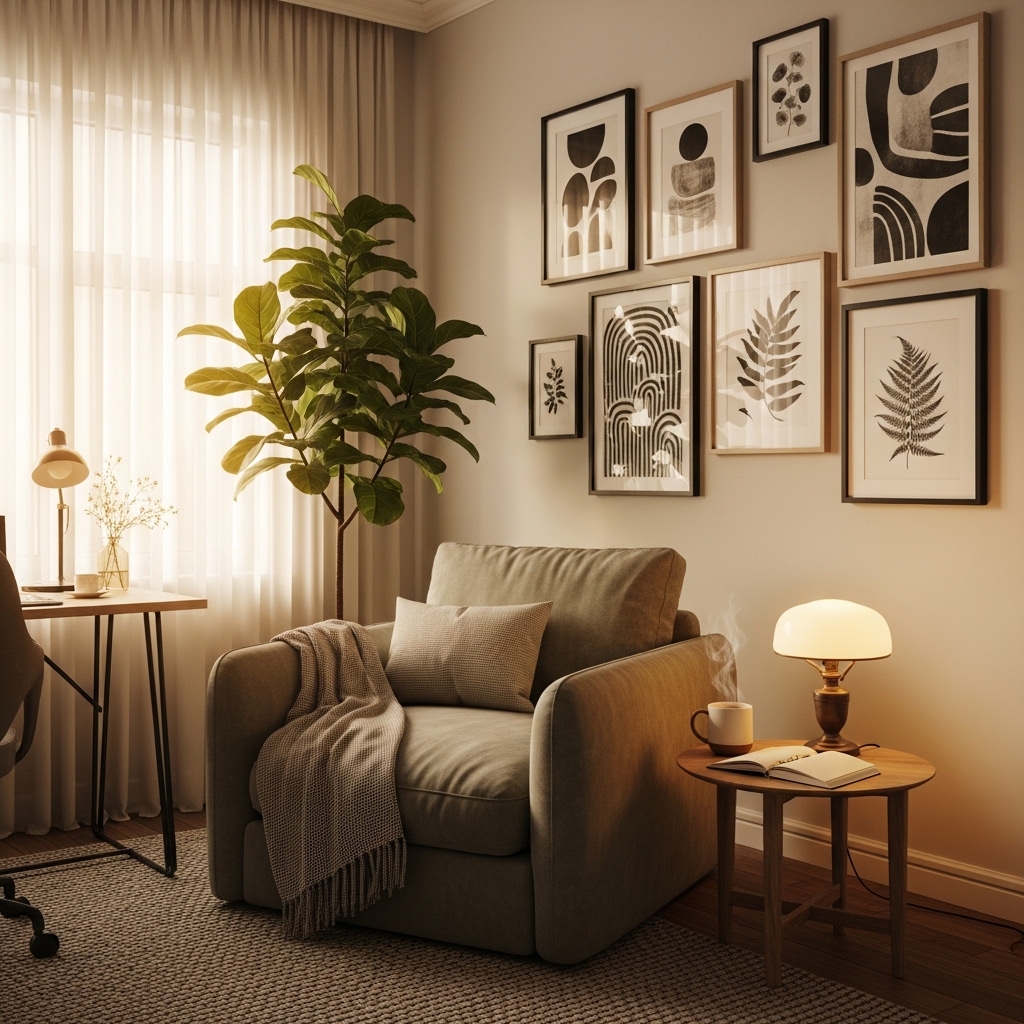
Choose this approach when you stare at your screen for hours and your eyes feel strained.
Place a piece of art, a plant, or a window across the room from your desk, not directly behind your monitor.
Your eyes need to focus on different distances throughout the day to rest.
A visual break zone gives your eyes somewhere to look every time you look up from your screen.
Pro Tip: Choose art with nature scenes. Trees, water, and skies are the most relaxing images for tired eyes.
Mistake to Avoid: Do not put a clock or calendar in your visual break zone. Your brain needs rest, not reminders of deadlines.
Conclusion
Your home office should work as hard as you do. Comfort and productivity go hand in hand.
The 20 ideas above prove that a better workspace is achievable regardless of budget or room size.
Position your desk facing a window for natural light and reduced eye strain.
Invest in an ergonomic chair with lumbar support because your back deserves better than a dining chair.
Install monitor arms to free up valuable desk space. Use a sit-stand desk for movement throughout your day.
Layer your lighting with task, ambient, and natural options. Paint your walls a calming, focused color.
Create a cable management system under your desk. Add plants to improve air quality and reduce stress.
Use a large desk pad to define your active workspace. Install floating shelves above your desk for vertical storage.
Mount a whiteboard for ideas that would otherwise be forgotten. Add a small area rug for comfort and sound absorption.
Use a document tray for incoming and outgoing papers. Install a motion-sensor light in your walkway.
Add acoustic panels to reduce echo and noise from the rest of your house.
Create a coffee or tea station away from your desk so you stand and stretch.
Use a vertical file organizer for active projects. Install a pull-out keyboard tray for ergonomic typing.
Use a foot rest under your desk to improve your posture. Create a visual break zone across the room.
Start with one idea that solves your biggest frustration. Implement it this weekend.
Then add another idea next month. Your home office should evolve as your work does.
You spend one third of your waking life at work. Make that space work for you, not against you.
Take back your productivity starting today. Your best work happens in a space designed for success.